
Oracle Service Request (SR) Guide for Oracle Fusion in the UAE

Short answer: An Oracle service request (SR) is how you ask Oracle Support to fix a problem in Oracle Fusion Cloud. You log it in My Oracle Cloud Support at support.oracle.com against your company's Support Identifier and choose a severity. Oracle aims to respond within 15 minutes for Severity 1 and within two to eight business hours for everything else. If an SR stalls, you request manager attention or call Oracle's local support line.
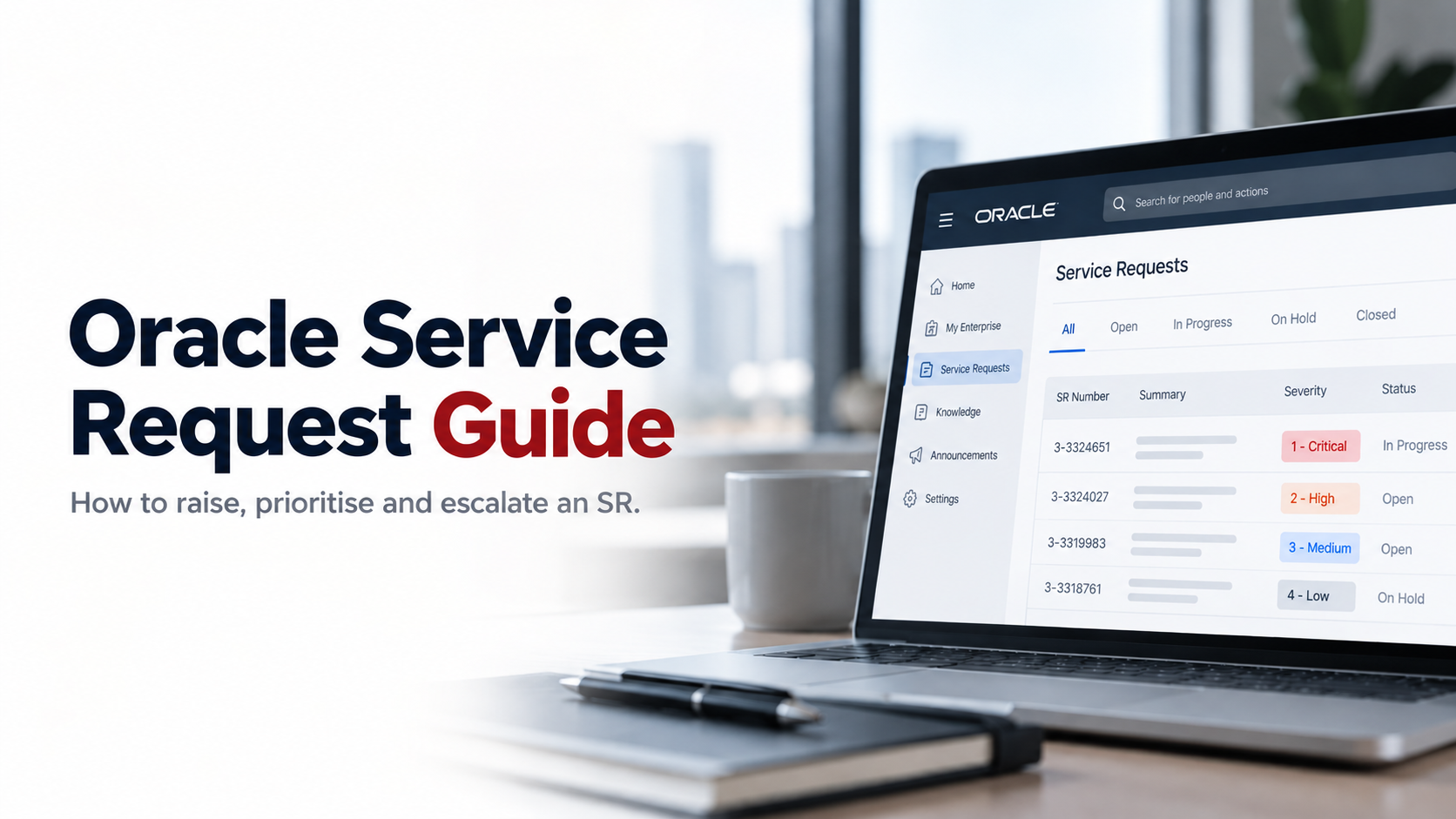
Oracle Service Request (SR) Guide: How to Raise and Escalate an SR for Oracle Fusion in the UAE
Most SRs that drag on for weeks are not hard problems. They are under-described ones. The engineer cannot reproduce the issue, asks for logs, waits two days for a reply, asks for more, and month-end arrives before anyone has looked at the actual defect.
This guide is for finance systems leads, ERP managers and IT heads at UAE companies already live on Oracle Fusion. It covers getting access, writing an SR that gets fixed the first time, choosing the right severity, and escalating when progress stops. It also covers the part people skip: a lot of what breaks after go-live was never Oracle's to fix in the first place. That work belongs to your internal team or your Oracle Fusion ERP consulting and support partner in the UAE.
What is an Oracle service request, and when should you raise one?
An Oracle service request is a ticket in Oracle's support system. Oracle uses it to diagnose a problem with the cloud service, reproduce product defects and deliver fixes or workarounds. Each SR has a number, a severity, an owner at Oracle and a full history of updates, so it is also your audit trail.
Raise an SR when the problem is in Oracle's product or the service itself. Do not raise one for problems that come from how your system was set up.
| Raise an Oracle SR | Go to your own support team first |
|---|---|
| Production or test environment is down or unusually slow | A user cannot see a menu or approve a transaction (roles and security) |
| A standard Oracle process fails with a system error after a quarterly update | A setup or configuration change gives an unexpected result |
| Data looks corrupted by a standard Oracle job | A custom OTBI or BI Publisher report shows the wrong numbers |
| A documented feature does not behave as documented | An OIC integration, VBCS extension or APEX app fails |
| A suspected security incident in the service | "How do I…" questions about using Fusion |
If you are not sure, triage it internally first. A good Oracle technical support desk can tell within an hour whether the cause is your setup or Oracle's code, and that hour often saves days.
Before you raise an SR: get access to My Oracle Support
Oracle's portal for cloud customers is My Oracle Cloud Support, at support.oracle.com. Most people still call it My Oracle Support, and Oracle's own documents use both names. To log an SR for Fusion, your user account must be linked to your company's Support Identifier (SI), the number tied to your Oracle subscription.
Access works like this:
- Request it. A new user signs in and requests access to your SI from the My Account page.
- Get it approved. Your Customer User Administrator (CUA) approves or denies the request under Pending User Requests. CUAs can also grant, revoke and audit access later (Oracle Cloud Support getting started).
- Keep it clean. Have at least two CUAs so access does not depend on one person's holiday. Remove leavers, and add your partner's consultants if they log SRs for you.
Do this before you need it. Waiting for access approval during a payment-run outage is a bad way to spend the first hour.
How to raise an Oracle SR for Oracle Fusion, step by step
Oracle's Cloud ERP development team published its own advice on this in 2025 (How to help Oracle resolve your Fusion SRs). The steps below follow it and add what we see on Fusion support desks.
- Search first. Search the knowledge base in My Oracle Cloud Support using "Fusion" plus the exact error text. Put "how to" questions on Oracle Cloud Customer Connect instead of in an SR.
- Reproduce it. Confirm the issue in your test environment on the current quarterly update, and note which environment and page URL it happens in.
- Record it in Fusion. Click your user name in the global header, then Troubleshooting > Record Issue. Collect page diagnostics, reproduce the problem, then note the recording ID (Oracle: Record Issues to Troubleshoot).
- Write a specific title. "Payables issue" tells the engineer nothing. "Validate Invoices job fails for the UAE business unit since the latest quarterly update" tells them where to look.
- Explain the business context. Say which process is affected, what you were doing, what you expected and what happened. Add when it started, what changed, and which users or business units are affected. Avoid internal acronyms; the engineer does not know your implementation.
- Attach the evidence. Add screenshots in sequence, the error text, scheduled process (ESS) job IDs and log output, report output, and for web services both the failing and a working payload.
- Answer the impact questions honestly. Oracle derives the severity from your answers. Name the date that is at risk, such as period close, a VAT return or a payment run.
- Stay reachable. List contacts who will actually answer. For Severity 1, someone must be available around the clock, and the SR must be logged in English to get 24x7 support.
Oracle SR severity levels explained
Severity decides how fast Oracle responds and whether it works on your SR around the clock. These definitions and targets come from Oracle's Cloud Hosting and Delivery Policies, version 3.13, effective September 2026.
| Severity | Oracle's definition, in short | Response target | Fusion finance example |
|---|---|---|---|
| Severity 1 (critical outage) | Production use is stopped or so badly affected you cannot reasonably continue. Includes corrupted data, a critical documented function unavailable, repeated crashes, or a security incident. | 15 minutes, then 24x7 work while you provide a 24x7 contact | No one can sign in to production on payment day |
| Severity 2 (significant impairment) | Severe loss of service. Important features are unavailable with no acceptable workaround, but operations continue in a restricted way. | 2 hours, local business hours | Invoice validation fails for one business unit during month-end close |
| Severity 3 (technical issue) | Minor loss of service. An inconvenience that may need a workaround. | 3 hours, local business hours | A standard report times out, but a smaller date range works |
| Severity 4 (general guidance) | A request for information, an enhancement or documentation clarification, with no impact on the service. | 8 hours, local business hours | Asking how a feature in the next update affects your setup |
Three things matter in practice:
- Response is not resolution. The targets cover Oracle's first response, not the fix.
- Business hours apply below Severity 1. A Severity 2 SR logged late on a Friday in Dubai may not get its first response until the next working day.
- Overstating severity backfires. Oracle downgrades an SR to the level its current impact justifies. Rating everything critical also makes your genuinely critical SRs easier to doubt.
How to escalate an Oracle SR when it stalls
Escalate an Oracle service request when it is not moving fast enough for a real deadline. That could be a go-live, a period close or a regulatory filing. It also applies when important new business impact needs to reach Oracle's managers, or when you are not satisfied with the answer you received.
Escalating does not guarantee an instant fix. It does put the right Oracle people on the problem.
Work up this ladder:
- Update the SR first. Add the new impact, the date at risk and anything you have learned. Ask the engineer directly what they are waiting for.
- Ask for a severity change if the impact has changed. Request it from the engineer through the SR or by phone.
- Request manager attention. Open the SR in My Oracle Support and click Request Manager Attention on the SR Details tab. Give the reason, the business impact, the milestone date and whether you want a callback (Oracle: Managing Service Requests).
- Call Oracle's support line. Oracle's global support directory lists +971 4 390 9040 for the United Arab Emirates (checked October 2026). Have the SR number ready and follow the prompts to escalate.
- For Severity 1, ask for the duty manager. A duty manager callback is available for Severity 1 SRs and can mobilise more resources quickly (Oracle: support best practices).
Once an SR is escalated, Oracle's policy asks you to name contacts in your own organisation at a matching level. If Oracle brings in a support manager, have your finance systems lead or IT head on the call, not only the analyst who logged it.
What Oracle Support won't fix, and who does
Oracle runs the cloud service and fixes product bugs. Everything specific to your business sits with your own team or your support partner. That covers:
- Your configuration and setups, including approval rules and Subledger Accounting rules
- User access, roles and segregation of duties
- Custom OTBI, BI Publisher and Smart View reports
- OIC integrations to banks, CRM and warehouses, and VBCS or APEX extensions
- Testing each quarterly update against your own processes before it reaches production
- Data corrections caused by user error
If you are not sure where a responsibility sits, our breakdown of who does what after go-live covers it line by line. Customers running both E-Business Suite and Fusion usually need the same split across both, which is where Oracle managed services for EBS and Fusion come in.
An SR playbook for month-end and year-end close
Most painful SRs land in the last three working days of the month. A little preparation changes that.
Before close
- Check that the people who may need to log a Severity 1 SR have SI access and know how.
- Keep an SR template with your environment URLs, business units and contact list filled in.
- Check Oracle's quarterly update dates so update testing does not collide with close.
During close
- Log early. A Severity 2 SR raised on day one of close gets two more days of Oracle's time than one raised on day three.
- State the close deadline in the SR description, not only in the impact questions.
- For Severity 1, agree who will stay on call overnight before you submit.
Around tax deadlines
- VAT returns and the annual Corporate Tax return turn some ordinary issues into urgent ones. If your Corporate Tax adjustments depend on Fusion reports, the changes Corporate Tax needs in your Fusion setup are worth making before filing season.
- UAE e-invoicing adds a real-time dependency from 2027. Plan your SR route for the first weeks live as part of your e-invoicing cutover and hypercare .
After close
- Close SRs that are resolved, and record the root cause and fix in your own runbook.
- If the same issue came back, ask Oracle for the bug number and the update that will carry the fix.
Frequently asked questions
Is Oracle Support available 24/7 for Oracle Fusion?
For Severity 1, yes. Oracle aims to respond within 15 minutes and works around the clock, as long as you log the SR in English and keep a technical contact available 24x7. Severity 2 to 4 SRs are handled during local business hours.
How quickly does Oracle respond to a Severity 2 SR?
Oracle aims to respond within two hours during local business hours. That is the first response, not the fix. A clear title, a reproducible case and the right logs are what shorten the time to resolution.
Can our Oracle partner raise SRs on our behalf?
Yes. Your CUA adds the partner's consultants to your Support Identifier, and they can then log, update and escalate Oracle service requests in your name. Many UAE companies hand day-to-day SR handling to their Oracle Fusion support and AMS team, so their own staff only step in for decisions.
What is an Oracle Support Identifier?
It is the number tied to your Oracle subscription that links users to your support entitlement. Every SR for your Fusion service is logged against it, and your Customer User Administrator controls who can use it.
Will the next quarterly update fix the bug in my SR?
Sometimes. If Oracle confirms a product bug, ask for the bug number and the update expected to include the fix. Then test that update in your test environment against the original case before it reaches production.