CVE-2026-114820: Oracle's eMudhra Java Alert Explained

Most Oracle security alerts are about a bug in code. CVE-2026-114820 is different. It's about trust: which certificate authorities your Java runtime believes, and what happens when one of them is compromised.
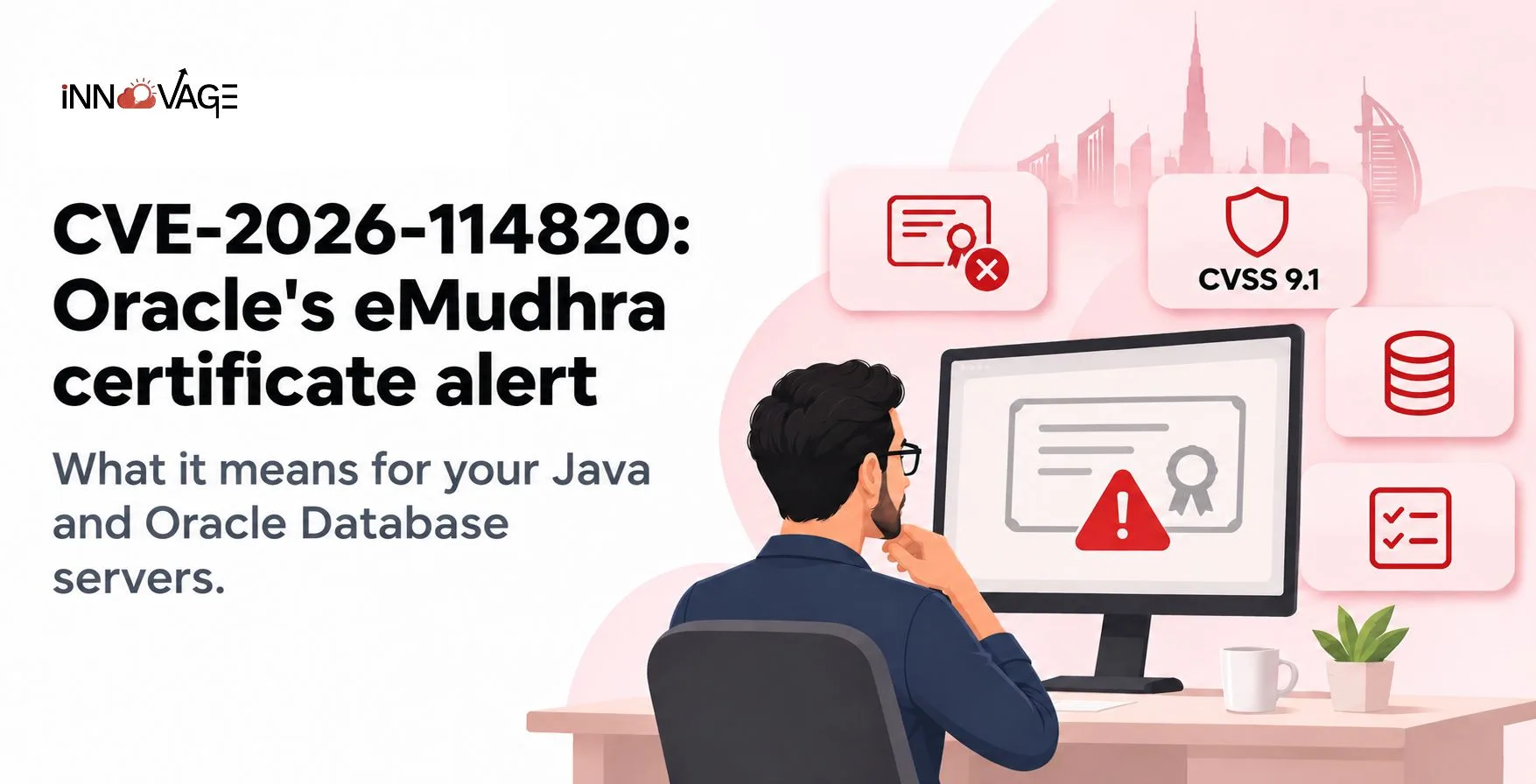
CVE-2026-114820: What Oracle's eMudhra Certificate Alert Means for Your Java and Database Servers
On 24 October 2026, Oracle issued a security alert after the private keys for eight eMudhra intermediate CA certificates were compromised. Oracle's response is to remove the related root certificates from the Java trust store, so Java stops trusting anything that chains back to them. Oracle scored the issue 9.1 on CVSS 3.1, and it can be exploited over a network without credentials.
If you run Oracle Fusion Cloud only, you can mostly relax. If you run your own Oracle Database, E-Business Suite on-premises, or any Java-based servers, keep reading.
Why a certificate problem is a big deal
When a Java application connects to a server over TLS, it checks the server's certificate against a list of trusted root CAs stored in a file called cacerts. If the chain checks out, Java trusts the connection.
Now imagine an attacker has a certificate signed with one of those compromised keys. To an unpatched Java application, a malicious server can look perfectly legitimate. That opens the door to intercepting or tampering with data, which is why Oracle rates the impact on confidentiality and integrity as high.
Which Oracle products are affected?
| Product | Affected versions |
|---|---|
| Oracle Java SE | 8u511-b32, 8u511-perf-b32, 11.0.33.0.2, 17.0.21.0.2, 21.0.13.0.2, 25.0.5.0.2, 27.0.1.0.2 |
| Oracle GraalVM for JDK | 17.0.21.0.2, 21.0.13.0.2 |
| Oracle GraalVM Enterprise Edition | 21.3.20.0.2 |
| Oracle Database Server | 19.3 to 19.32, 21.3 to 21.23, 23.4.0 to 23.26.3 (not client-only installs) |
| Oracle Autonomous Health Framework | 26.3 to 26.10 |
| Oracle Global Lifecycle Management OPatch | 12.2.0.1.16 to 12.2.0.1.52 |
| Oracle Hospitality Cruise SPMS | 23.3.4, 23.3.5, 23.3.6 |
Oracle updated the alert on 30 October to add the Database, OPatch and Autonomous Health Framework entries, and says more Java-based products may follow. Check the alert page again before you close the ticket.
Is Oracle Fusion Cloud affected?
Fusion Cloud Applications are not on Oracle's affected list, and Oracle manages that runtime for you. Your exposure sits in what you run yourself:
- Self-managed Oracle Database 19c, 21c or 23ai, including the databases behind E-Business Suite
- Servers running affected Java versions: middleware, custom apps, batch servers and integration hosts
- Machines where your DBAs run OPatch or Autonomous Health Framework
The last one catches people out. OPatch is a tool your team uses to apply patches, so it lives on servers that nobody thinks of as "running Java".
How to fix CVE-2026-114820
Oracle's recommended fix is straightforward: update to the latest Java version and apply the patches listed in the alert's Patch Availability Documents for each affected product.
If you can't patch this week, Oracle offers two interim options:
- Remove the affected root certificates. Back up each runtime's cacerts keystore, delete the four roots with keytool (aliases emsignrootcag1, emsignrootcag2, emsigneccrootcag3 and comodoaaaca), then restart the runtime.
- Turn on revocation checking. Enable certificate revocation checks for TLS applications, and verify signed JAR files with revocation checks on JDK 17 and later.
Oracle also publishes a small CheckCerts.java program that tells you whether a runtime is still at risk. Run it on every standalone Java install, not just the main application server. Most estates have more Java runtimes than anyone has written down.
One word of caution before you delete certificates. Removing a root CA breaks any connection that legitimately relies on it. Check with your integration team that no bank, government portal or partner you connect to presents a certificate from these roots.
Out-of-support versions are a bigger risk
Oracle only provides Security Alert patches for releases under Premier or Extended Support. Older versions aren't tested, and Oracle says they are likely affected too.
If you're running an old database or Java build, this alert is a good prompt to plan that upgrade rather than patch around it again.
A quick checklist for this week
- List every server running Oracle Java SE, GraalVM, Oracle Database, OPatch or AHF
- Match versions against the table above
- Patch, or apply one of the interim mitigations
- Run CheckCerts.java on each runtime
- Test integrations that connect out over TLS after the change
How Innovage Cloud can help
Our Oracle managed services team can assess your Java and database estate against CVE-2026-114820, apply the patches or interim fixes, and test dependent integrations afterwards so nothing breaks quietly.
It's also a good moment to review the other Oracle security change on the calendar: the Oracle Fusion OAuth migration due by 31 March 2027.
Not sure which of your servers are affected? We'll check your Oracle Java and Database versions and tell you what to patch first.
Frequently asked questions
What is CVE-2026-114820?
An Oracle Security Alert, rated CVSS 9.1, that removes compromised eMudhra-related root certificates from Java and Java-based Oracle products.
Why did Oracle remove the eMudhra certificates?
Oracle states that the private keys of eight eMudhra intermediate CA certificates were compromised.
Is Oracle Fusion Cloud affected by CVE-2026-114820?
Fusion Cloud Applications are not on Oracle's affected list. Self-managed Java runtimes and Oracle Database servers are.
Which Oracle Database versions are affected?
Database Server 19.3 to 19.32, 21.3 to 21.23 and 23.4.0 to 23.26.3. Client-only installations are not affected.
What if I can't patch right away?
Remove the four affected root certificates from the Java keystore, or enable revocation checking, until you can apply the patch.